 Impressum
This website uses cookies so that we can provide you with the best user experience possible. Cookie information is stored in your browser and performs functions such as recognising you when you return to our website and helping our team to understand which sections of the website you find most interesting and useful.

CINEMDA 4D
BUILDING
GENERATOR
Cinema4D Building Generator
_
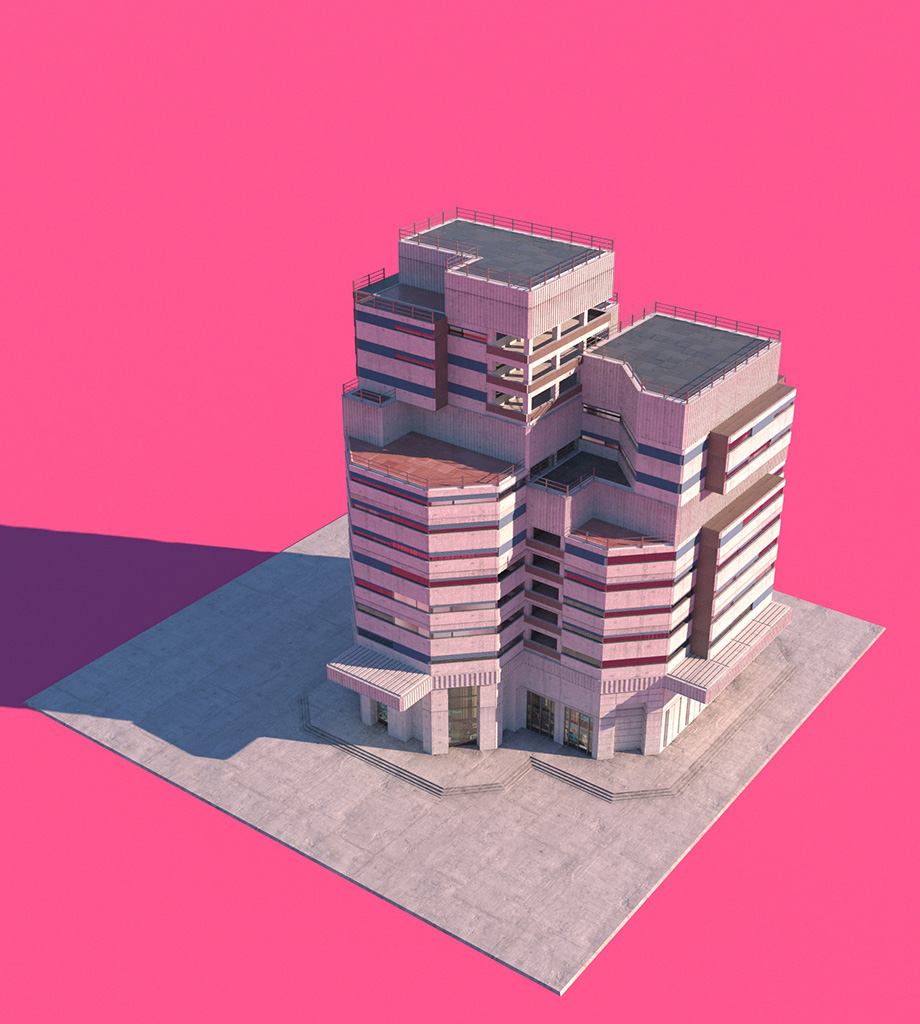
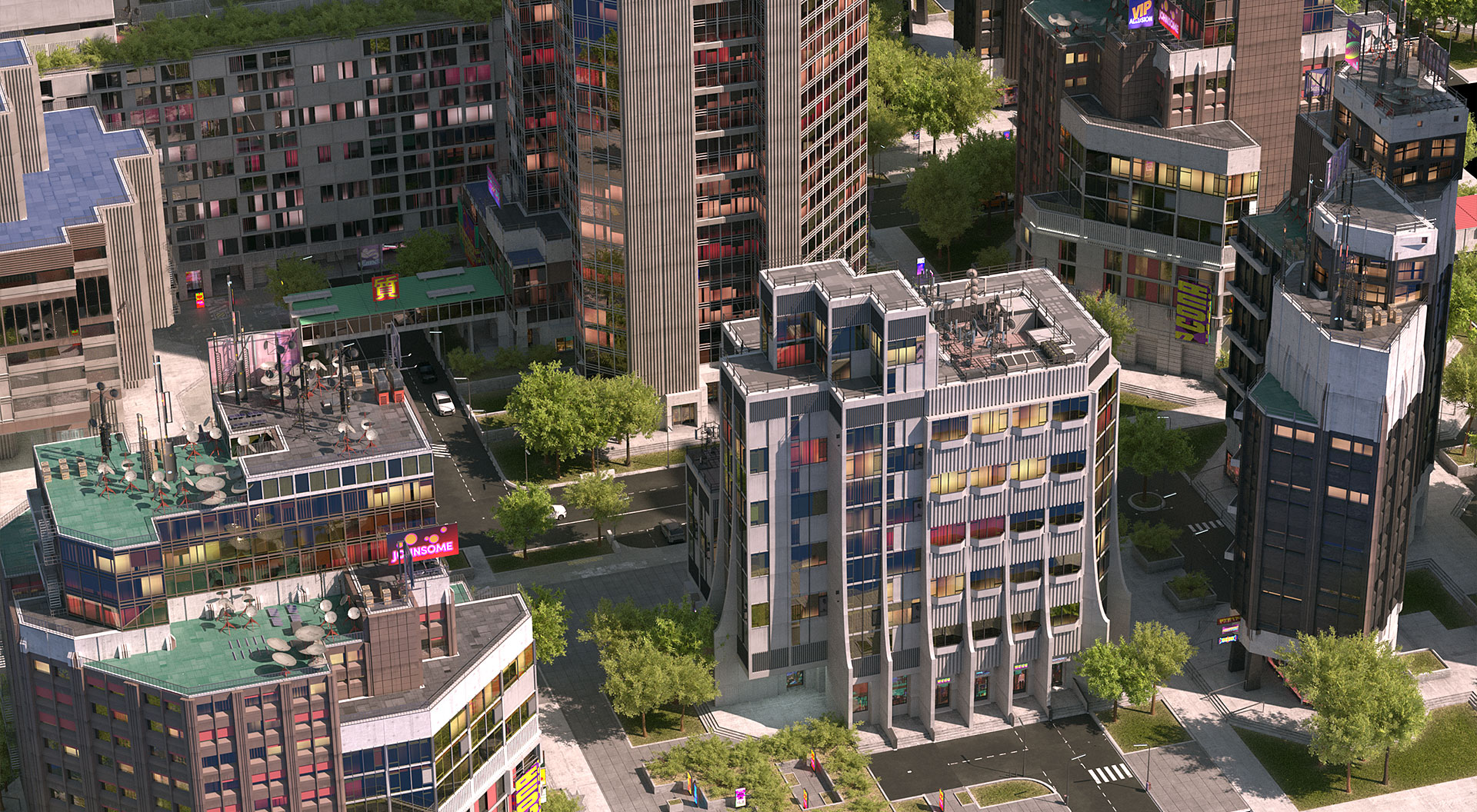
With this tool you can quickly design buildings and surroundings in Cinema 4d. Facades, elements and textures can be easily replaced or created by yourself. Cinema4D Building Generator comes with C4D Standard Render and Octane shaders, but shaders for all render engines can be used.
Available on gumroad.com/florenoir
(min. Cinema 4D R24)
Client
_
Personal work
Software
_
requires Cinema 4D R24
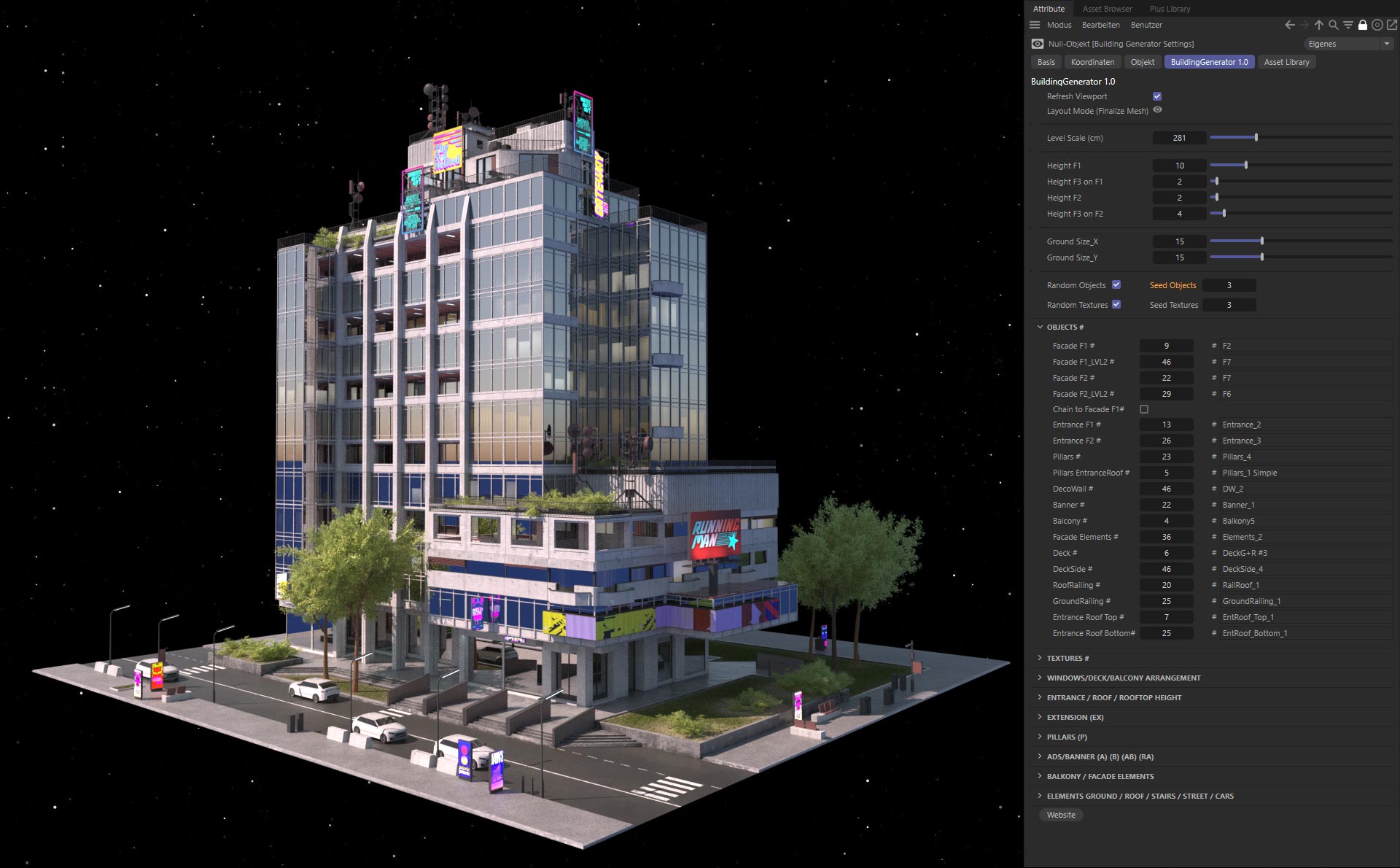
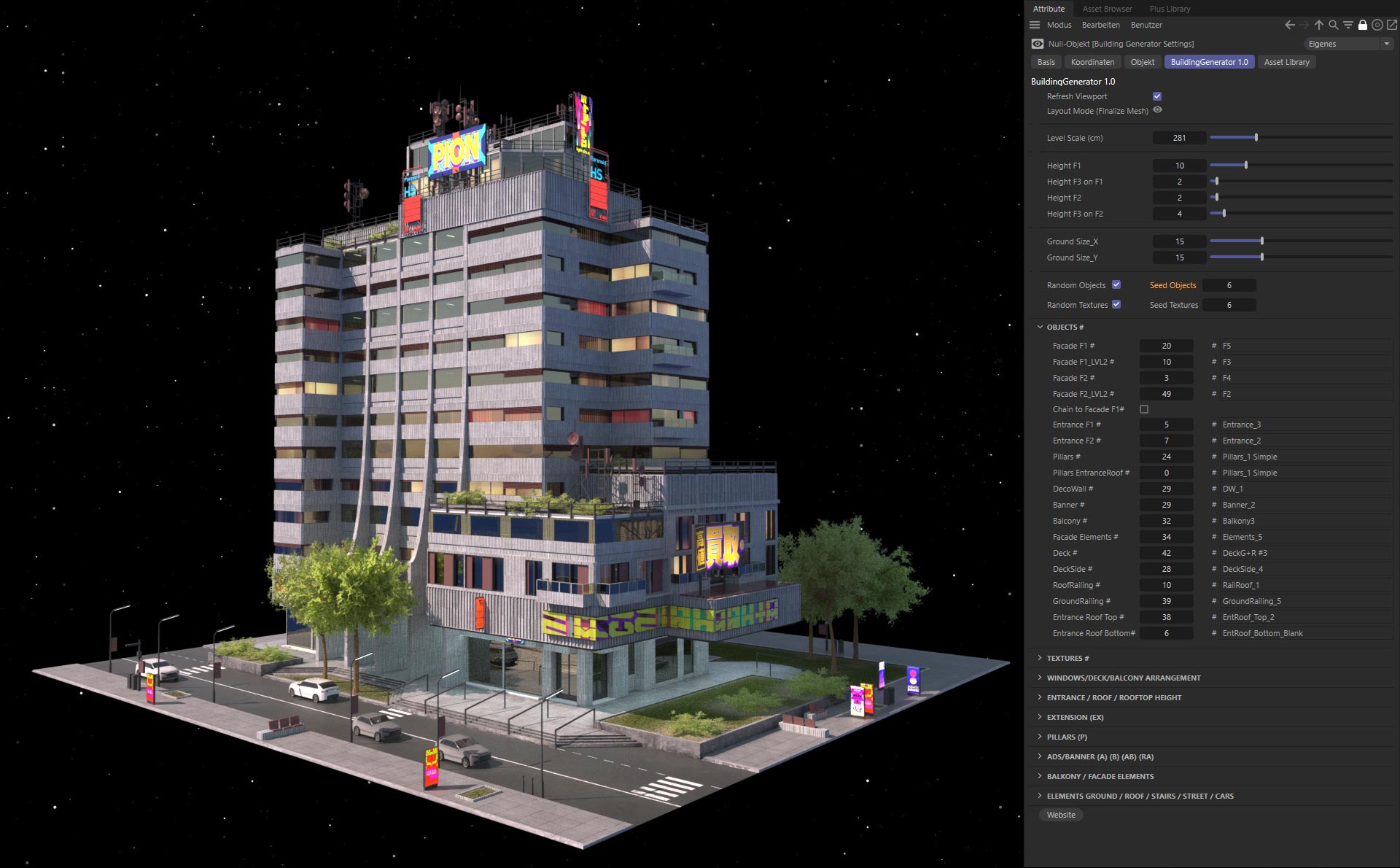
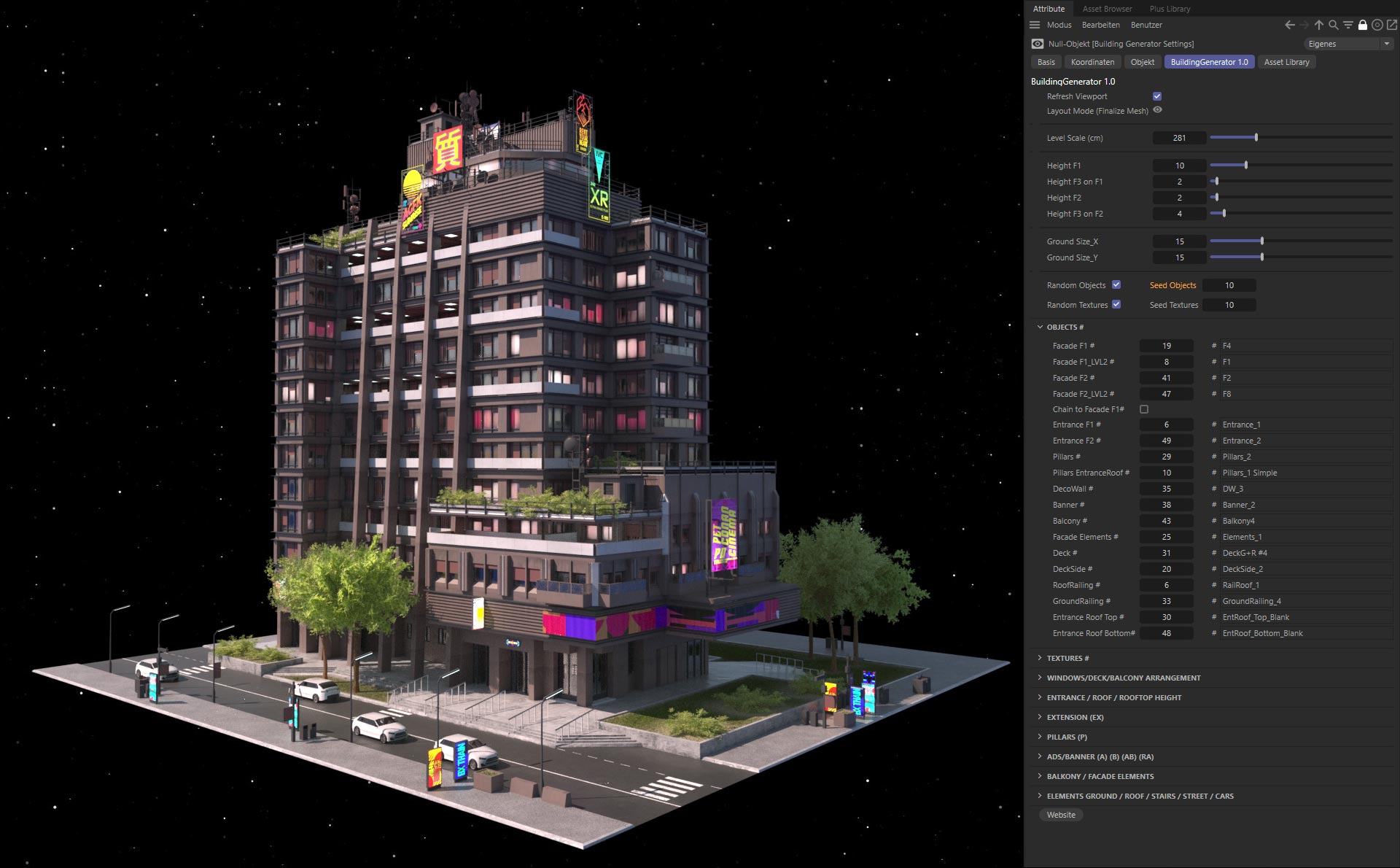
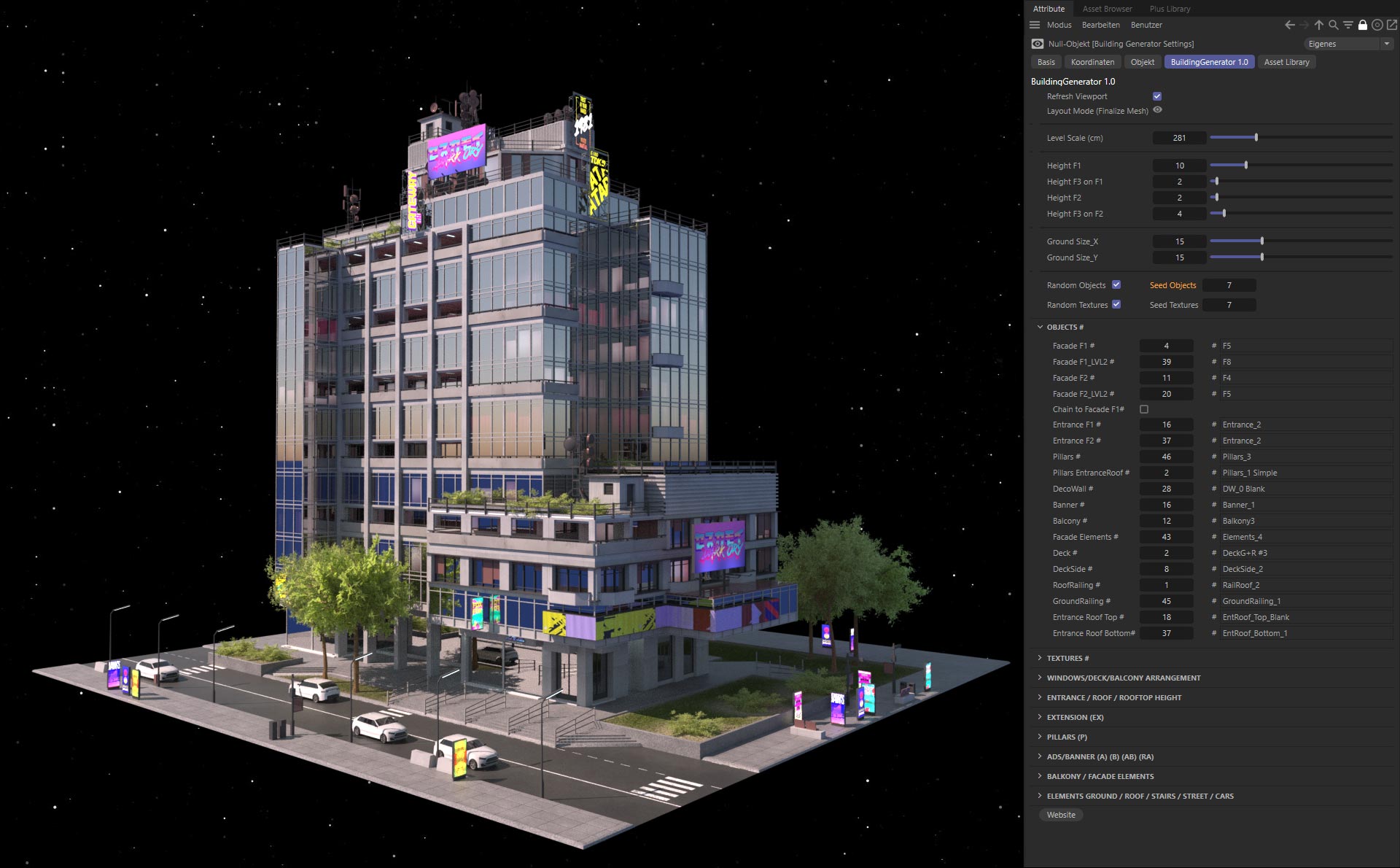
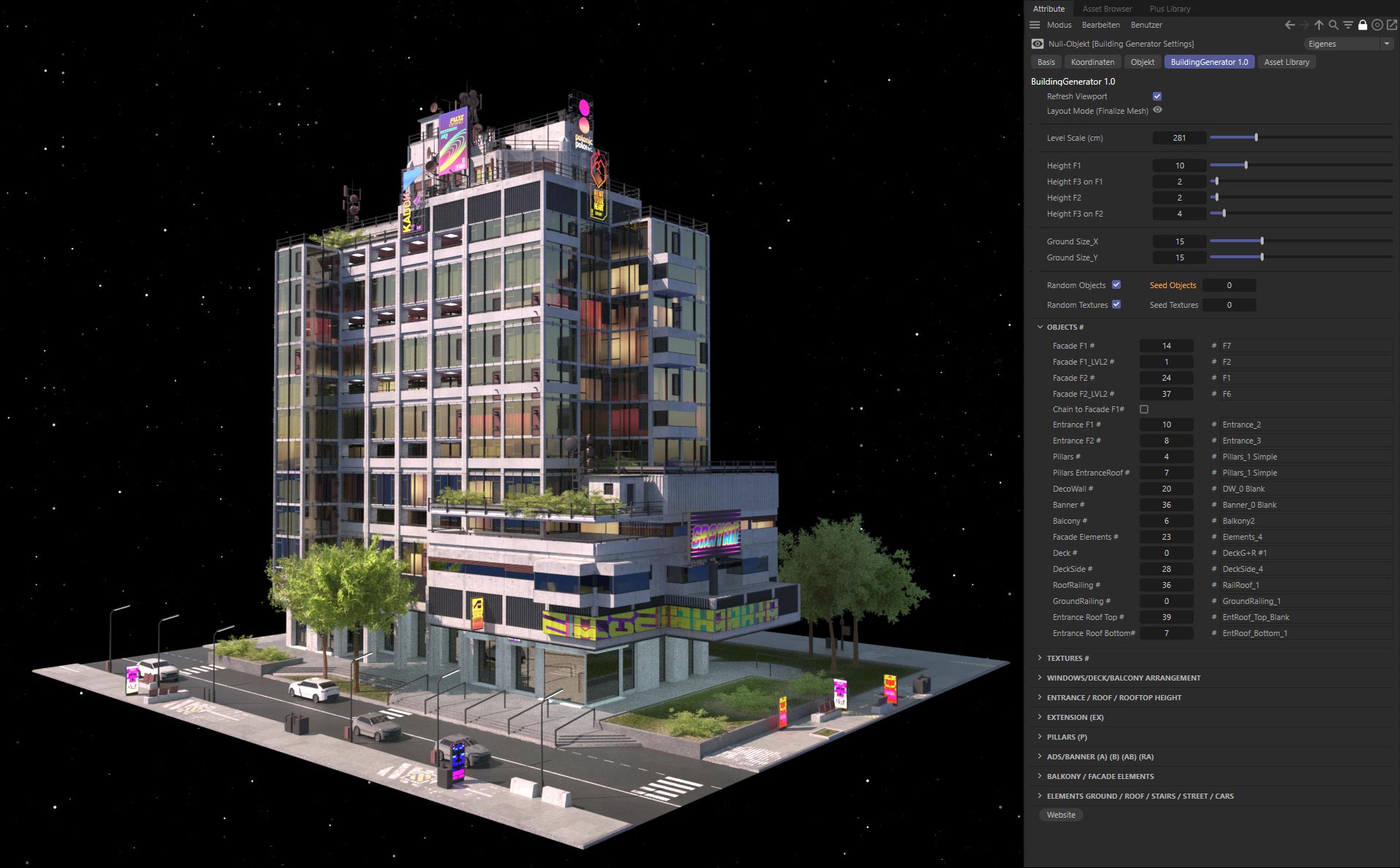
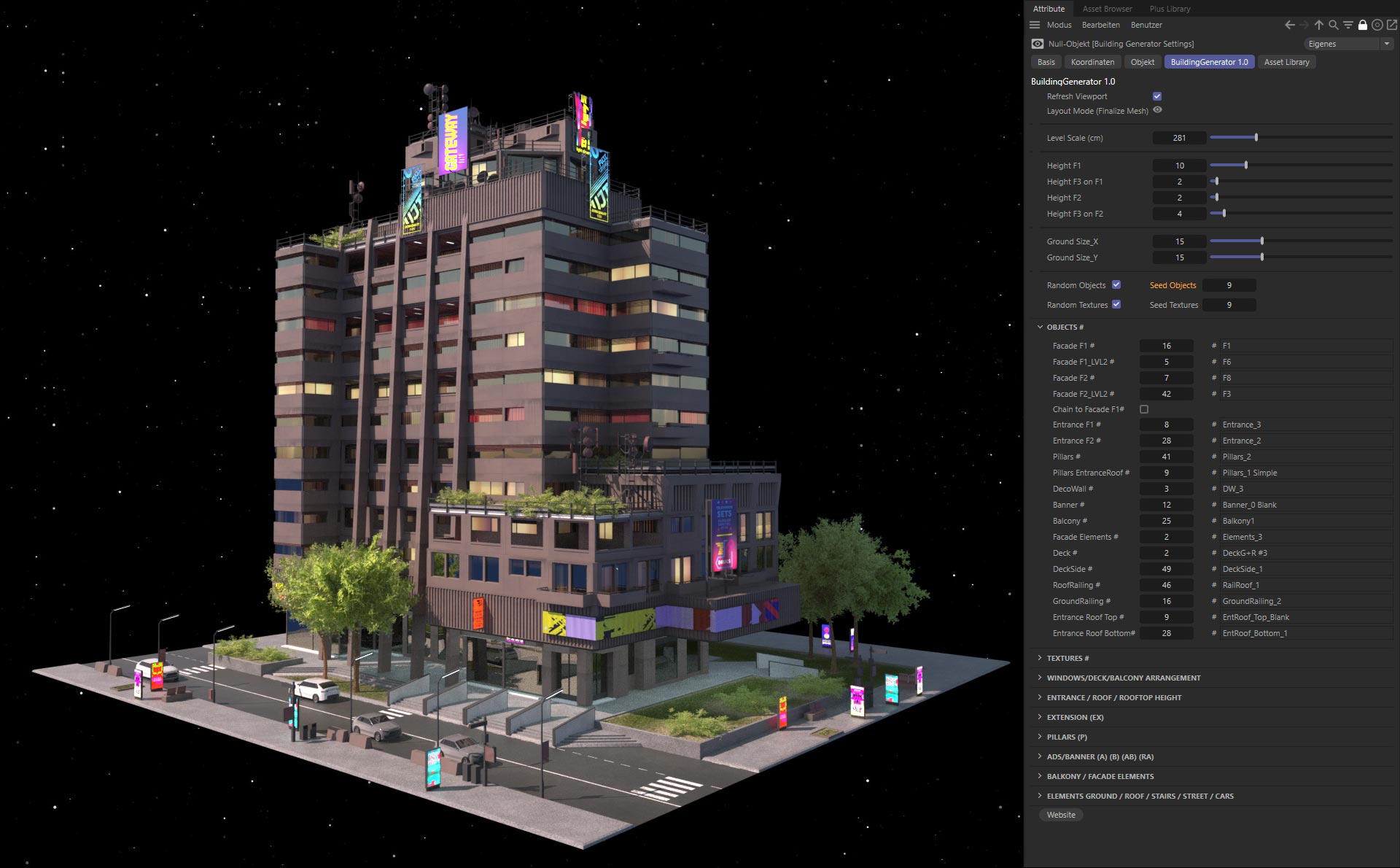
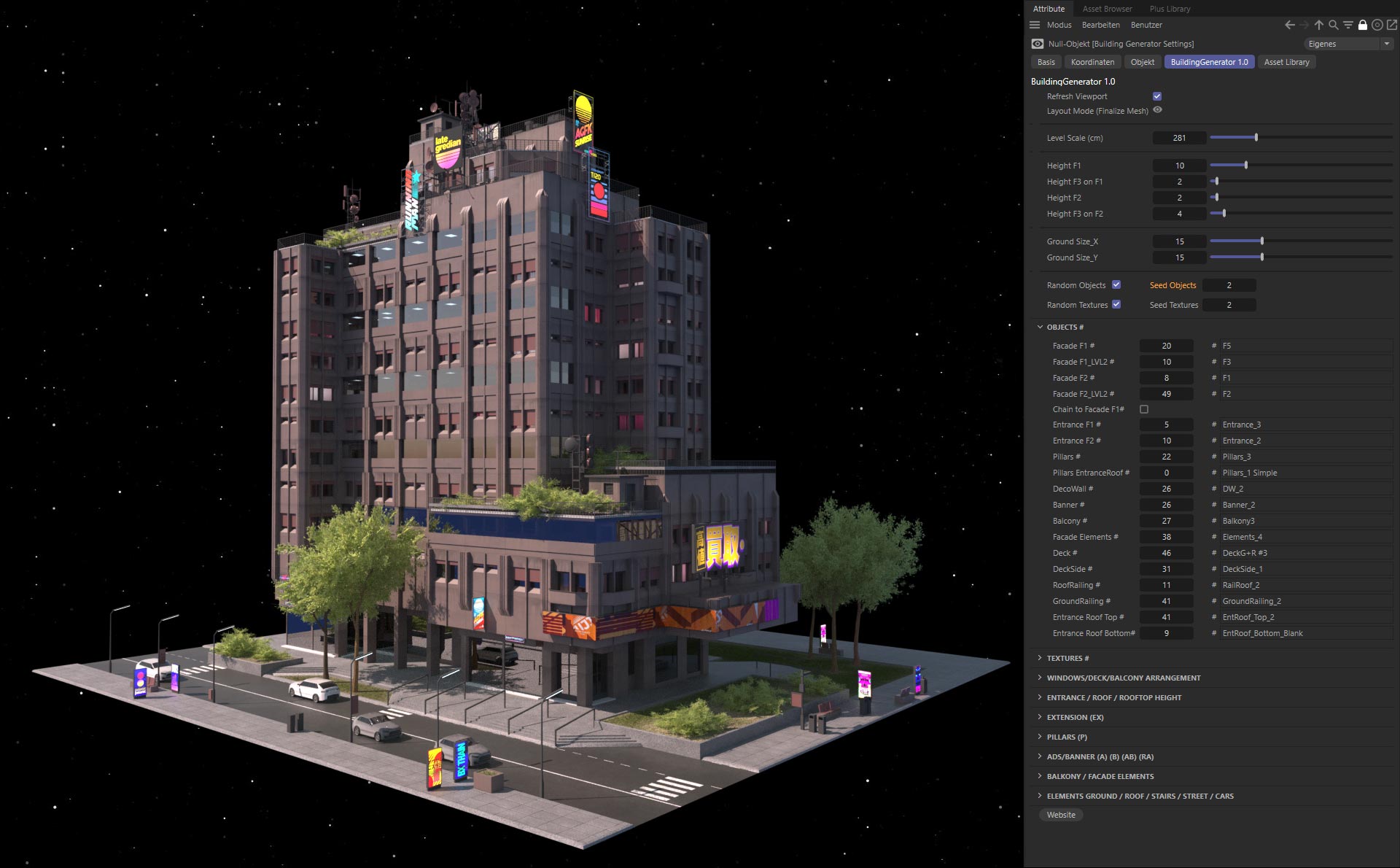
Random or customized settings
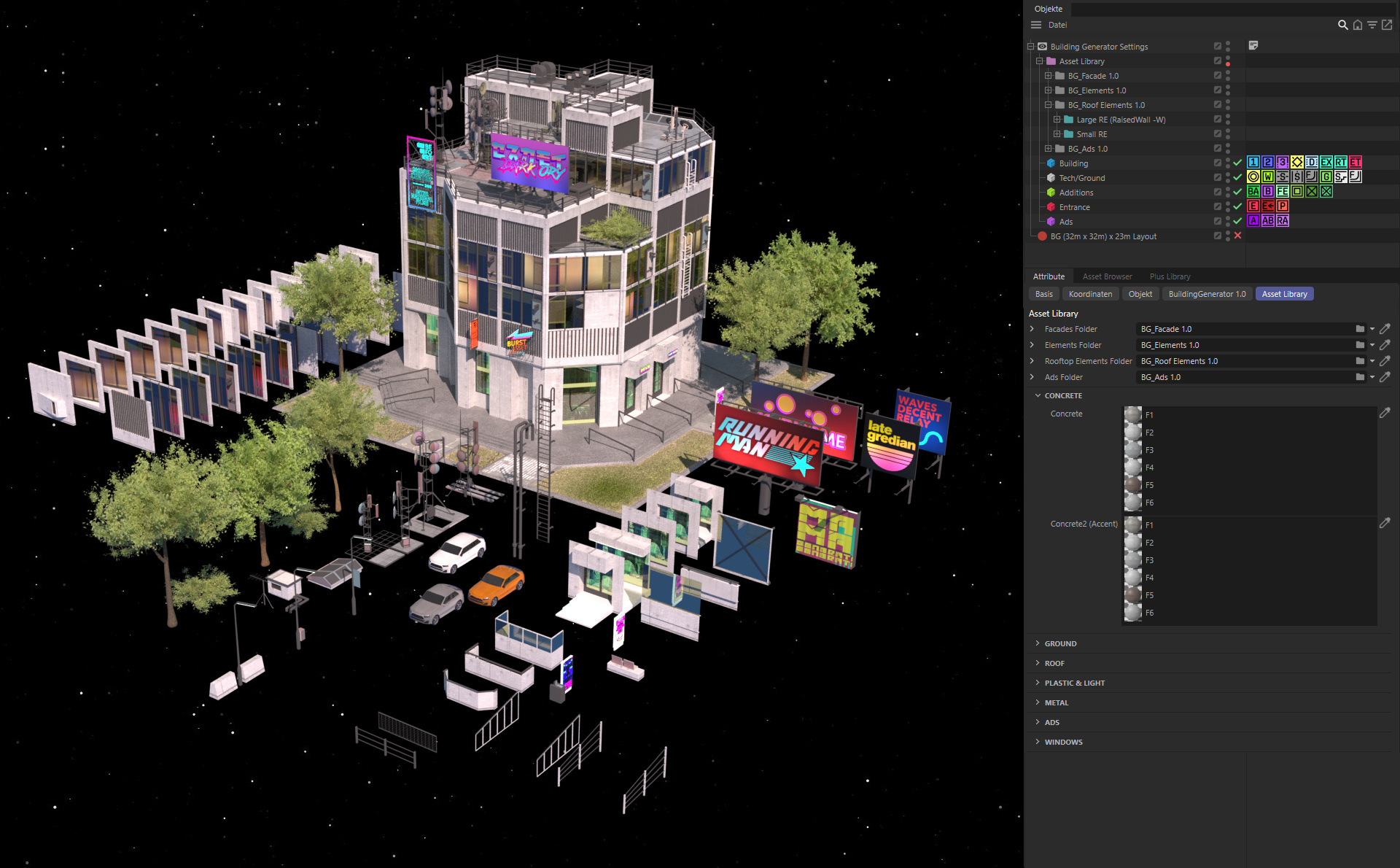
Each building consists of individual tiles and elements that can be edited and arranged randomly or manually.
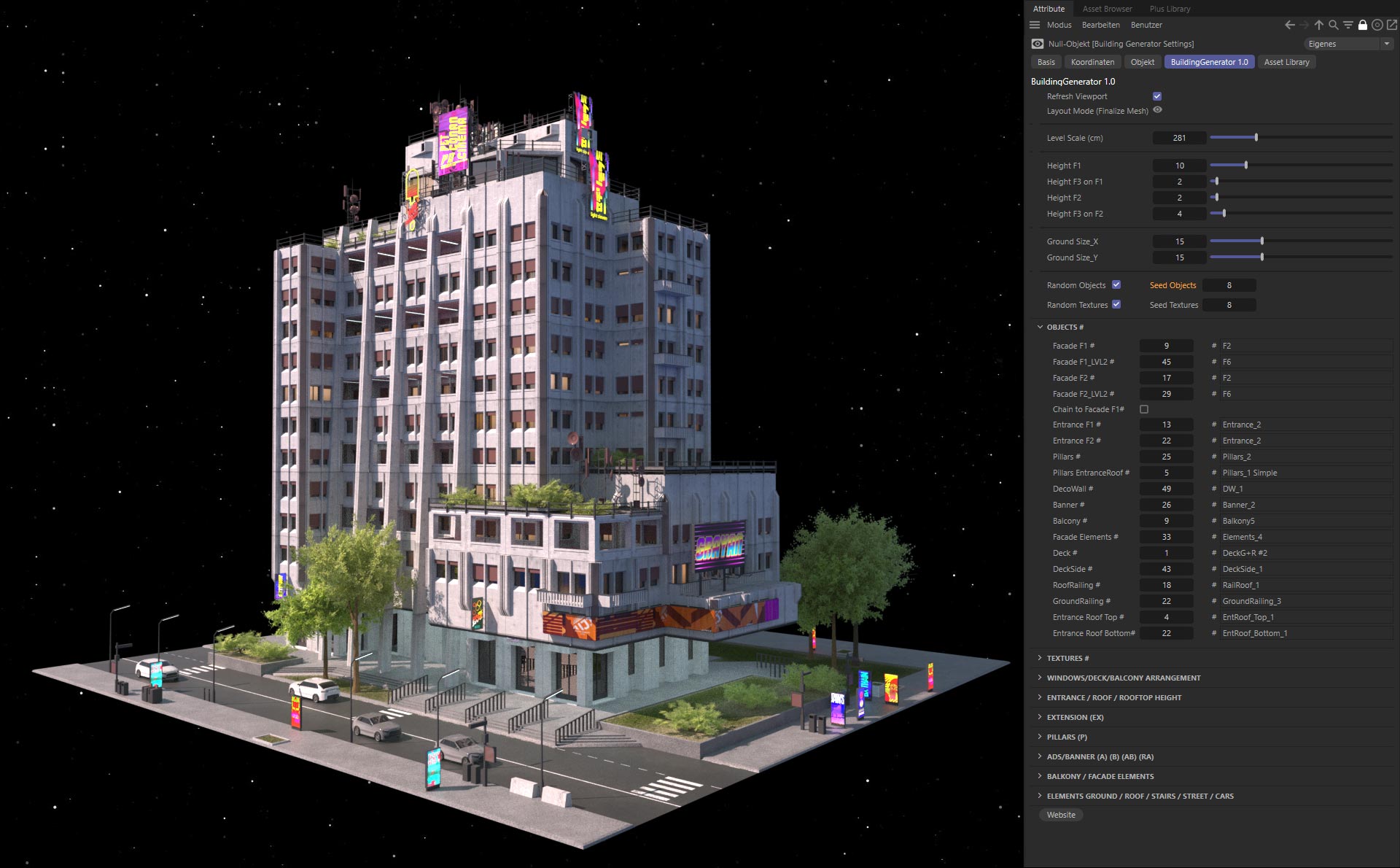
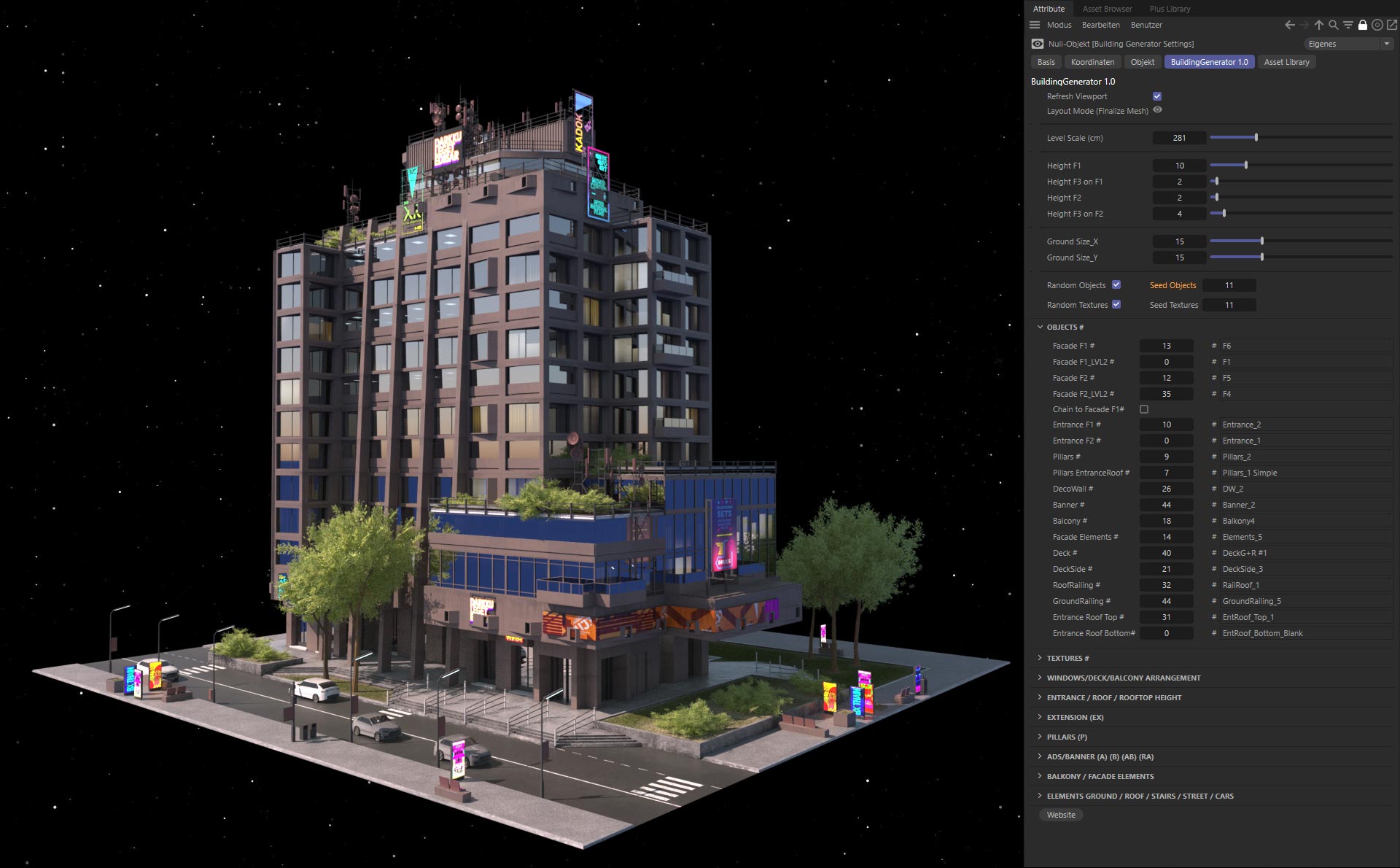
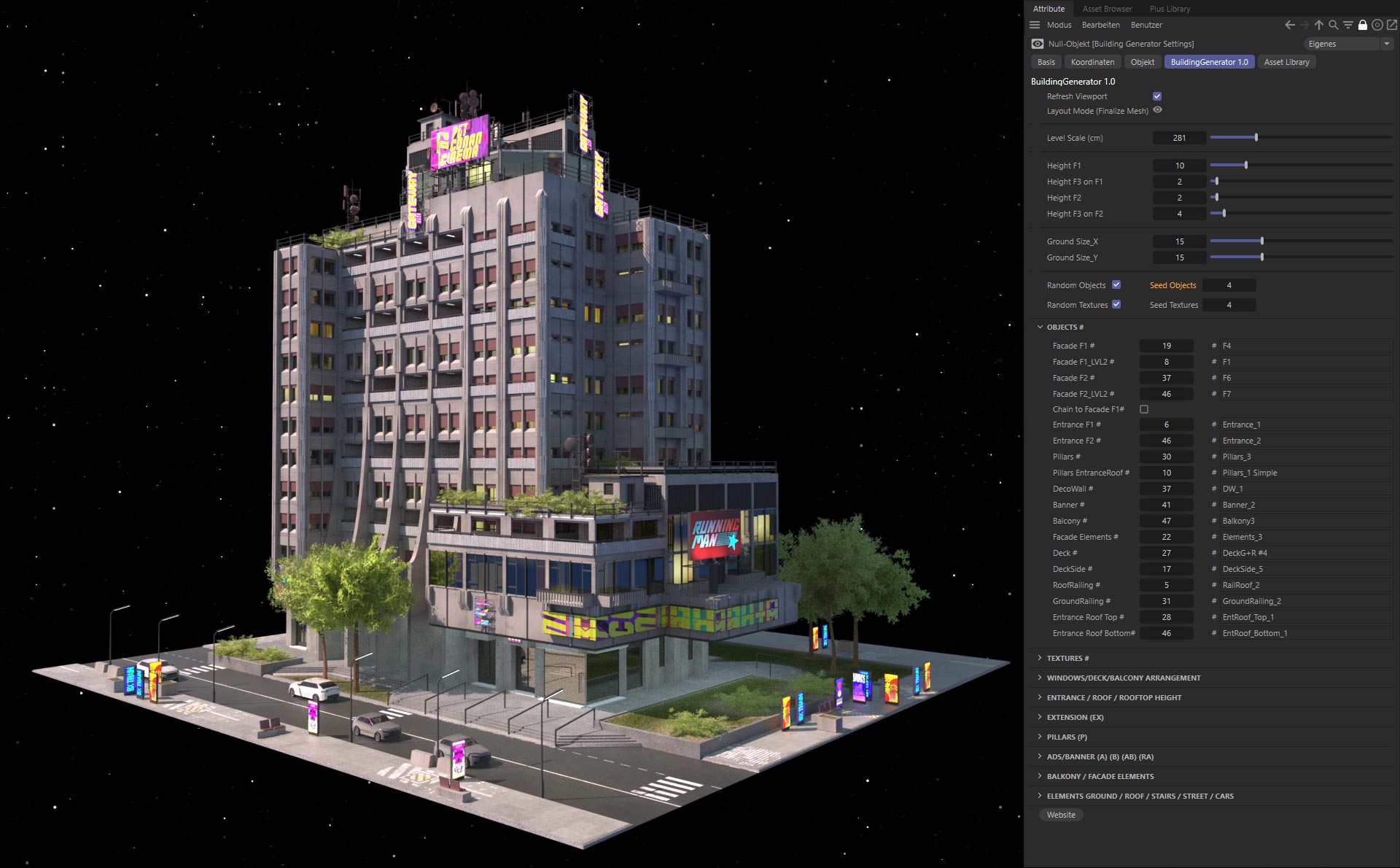
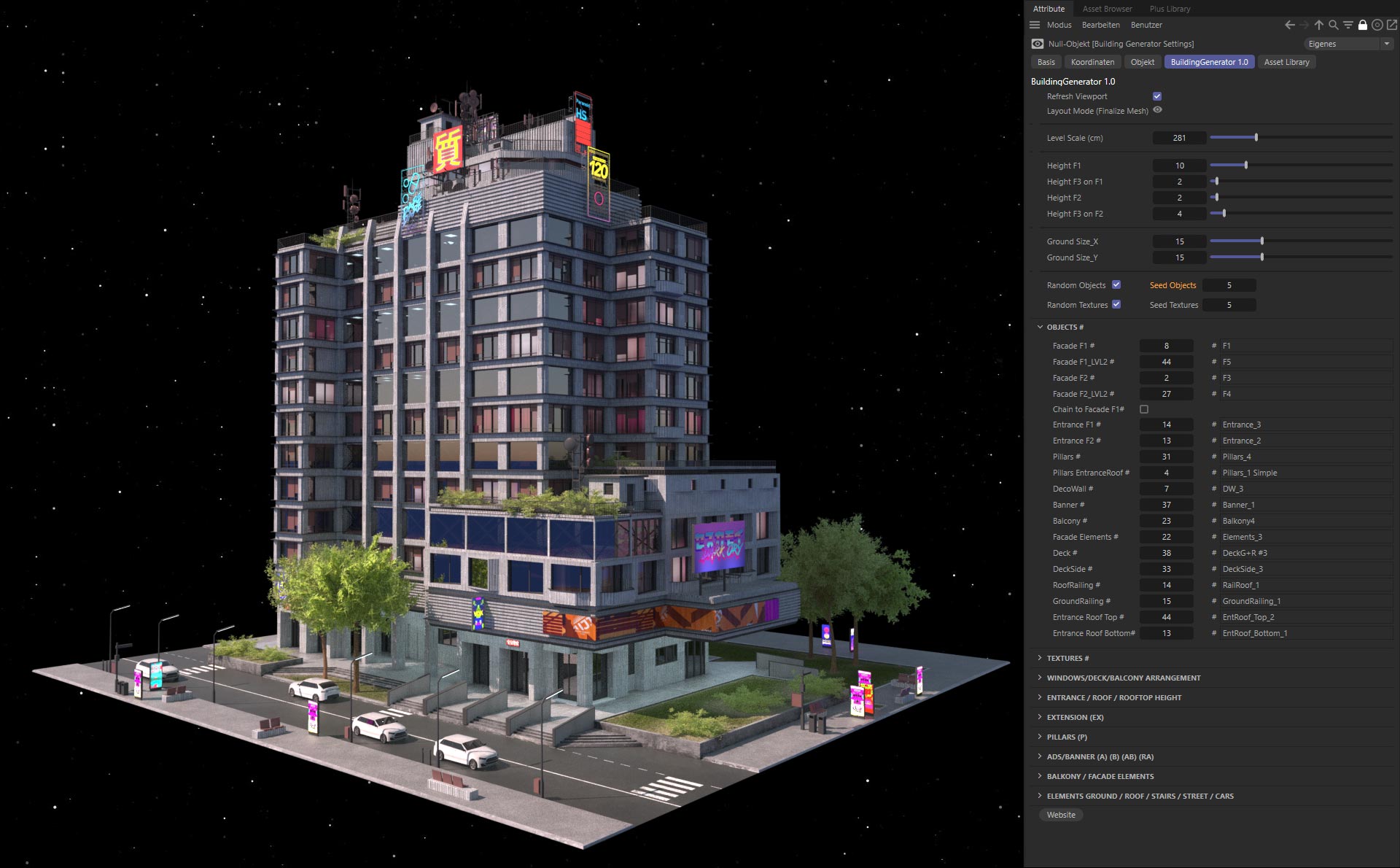
How to use
FAQ Part-1
0:05-“When I open my file, the building is displayed incorrectly?”
0:15-"How can I delete the entire building and start over?"
0:22-"How do I create larger buildings and surroundings?"
0:47-"How can I create and add my own facade tiles?"
MoGraph Selection Tags
The Building Generator uses mograph selection tags. Different elements can be added and edited, such as balconies, roof elements, roads, signs, trees and much more. The individual elements can be created by yourself or purchased individually at a later time and easily inserted.
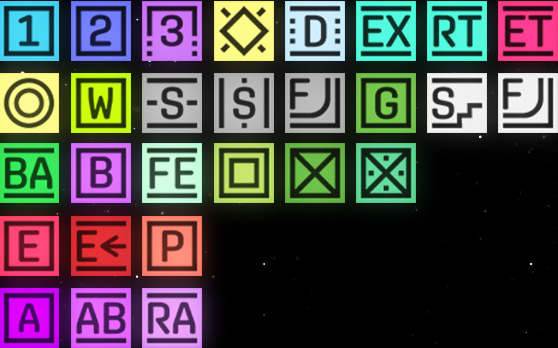

Facade (F1): With this tag you create the
building F1. Height and facade-objects can be edited individually.

Facade (F2): With this tag you create an additional building (F2). Height and facade-objects can be edited individually.

FacadeF3: This tag adds a second layer to the F1 and F2 facade. Height and look can also be edited individually.

BevelFacade: This tag is used to bevel the edges of Facade 1-3. This tag cannot be used together with the Deck tag.

The "Deck" tag inserts separate floors and rooms. These can be edited in the "Window Arrangement Settings" and consist of separate elements (Deck & Deckside).

The "Extension" tag highlights the facade row. This tag cannot be used together with the Deck tag.

The RoofTop tag lowers the roof for one level.(Roof2 Texture)

EntranceRoof tag adds a roof ledge above the entrance.

The Elements tag adds objects according to the area on which it is set.
Roof Elements are automatically set on buildings, trees and bushes on lawns, cars on roads, etc.

RaisedWall and Green: In addition to the Green tag, which adds a grassy area (Grass texture) to the ground and roof, the RaisedWall tag has several functions:
On the ground it adds a raised green area that can be changed in the settings. On the roof, it raises the area (Roof3 texture). If there is a roof element at this position, it will now be used from the "Large roof elements" list instead of the list of smaller roof elements.

StreetLR + StreetFB: The Street tag adds a street (Street texture) from "left to right" or from "front to back". If both tags overlap, it automatically becomes a curved street cross (Street Cross texture). The intersection can be straightened with the FlattenGround tag.

Stairs and FlattenGround: Besides the Stairs tag which simply adds a step to the ground (Stairs texture), the FlattenGround tag straightens the ground as well as roads.
In the settings you can define the number of stairs as well as the scope of the building stairs.

Balcony: With this tag you add a row of balconies on the facade. You can edit the arrangement of the balconies in the "Windows Arrangement Settings".

The Banner tag adds a vertical banner advertising on the facade (Banner texture). The height as well as the texture position can be edited in the "Ads/Banner Settings".
The FacadeElements tag adds a set of elements such as fire escapes, rainwater pipes, etc.

The WindowsCloner and WallCloner tag changes the selection of tiles on the facade to a row of windows or only a row of a closed facade.
The Decowall tag replaces the facade in full height with a new wall object cloner. Balconies (BA) and entrances (E) are excluded.

Entrances (E): At the lower level this tag changes the tile to an entrance tile.
EntranceOffset: The lower part of the building will be moved inward.
Pillars(P): Adds Pillars at the lower level or across the entire height of the building.

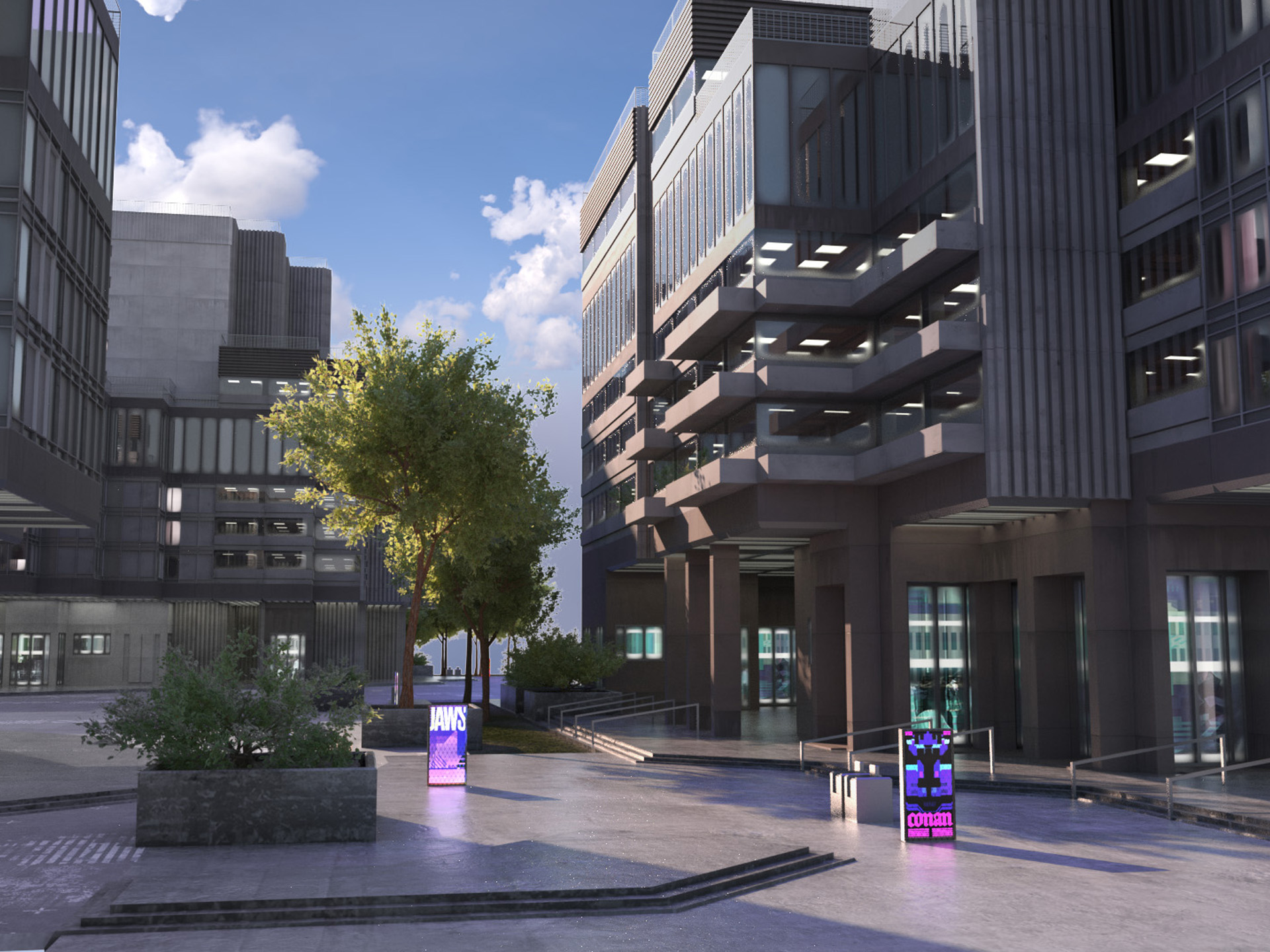
Ads: This tag adds advertising signs in the entrance area and roof level.

AdvertisingBanner (AB) inserts a strip of banner advertising also around the corners of the building.

RooftopAds: This MoGraph adds billboards on top of the building (F1-F3) and entrance roof (ET)


FEATURE LIST
_
• 2x C4D files (1x Standard Render shader + 1x Octane shader)
This file contains the following content:
• 8x Facades, each with 13 variations.
• 29x RoofTop Signs; 24x Big Signs; 78x Small Signs; 11x Entrance Signs
• 18x Small Rooftop Objects; 6x Large Rooftop Objects (Antennas)
• 12x Ground Elements & Signs
• 4x Low-poly cars with textures
• 6x Low-poly trees and 6x bushes with textures
• Different facade objects like balconies, rainpipes, pillars, railings etc.
Textures:
• 6x concrete maps (albedo, roughness, normal maps)
• 6x roof maps (albedo, roughness, normal maps)
• 4x window maps (albedo)
• 4x entrance maps (albedo)
• 3x Ground maps (albedo, normal maps)
• Streetmap, different rougness maps
• PSD templates for the facade, banner, ground and street
LICENSES
_
$ 99.00 INDIVIDUAL LICENSE
$ 199.00 SMALL STUDIO LICENSE (Agency with 2-10 seats)
$ 299.00 ENTERPRISE LICENSE (Agency with 11 or more seats)
Available on gumroad.com/florenoir
COPYRIGHT
All artwork on this site are Copyright © 2017 Florian Renner, or their respective copyright holders. Do not use without permission.
CONTACT
Florian Renner, Munich, Germany
mobile: +49 (0)157.74 74 74 89
mail: hello (at) rennerflorian.de